
Start With a Proper Line Walk and Measure
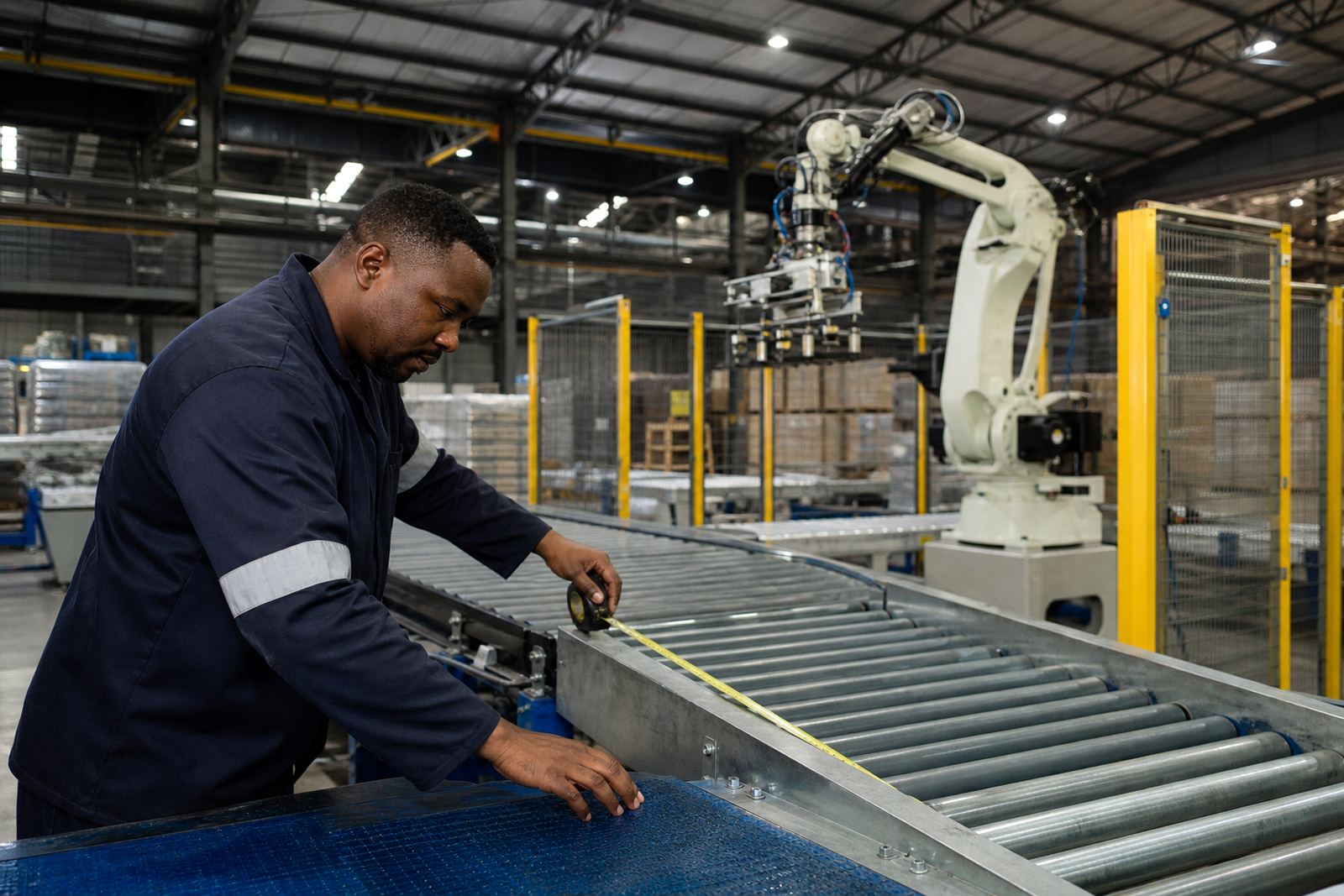
Every retrofit starts with a walk through the line as it actually runs, not as it was drawn years ago. Measure conveyor heights from finished floor level, belt or roller widths, guard clearances, product spacing and the available footprint around the proposed robot position. On older sites in Kempton Park, Johannesburg or the East Rand, floor repairs and uneven slabs often change the true working height by a few millimetres and that matters once a robot picks from a moving line.
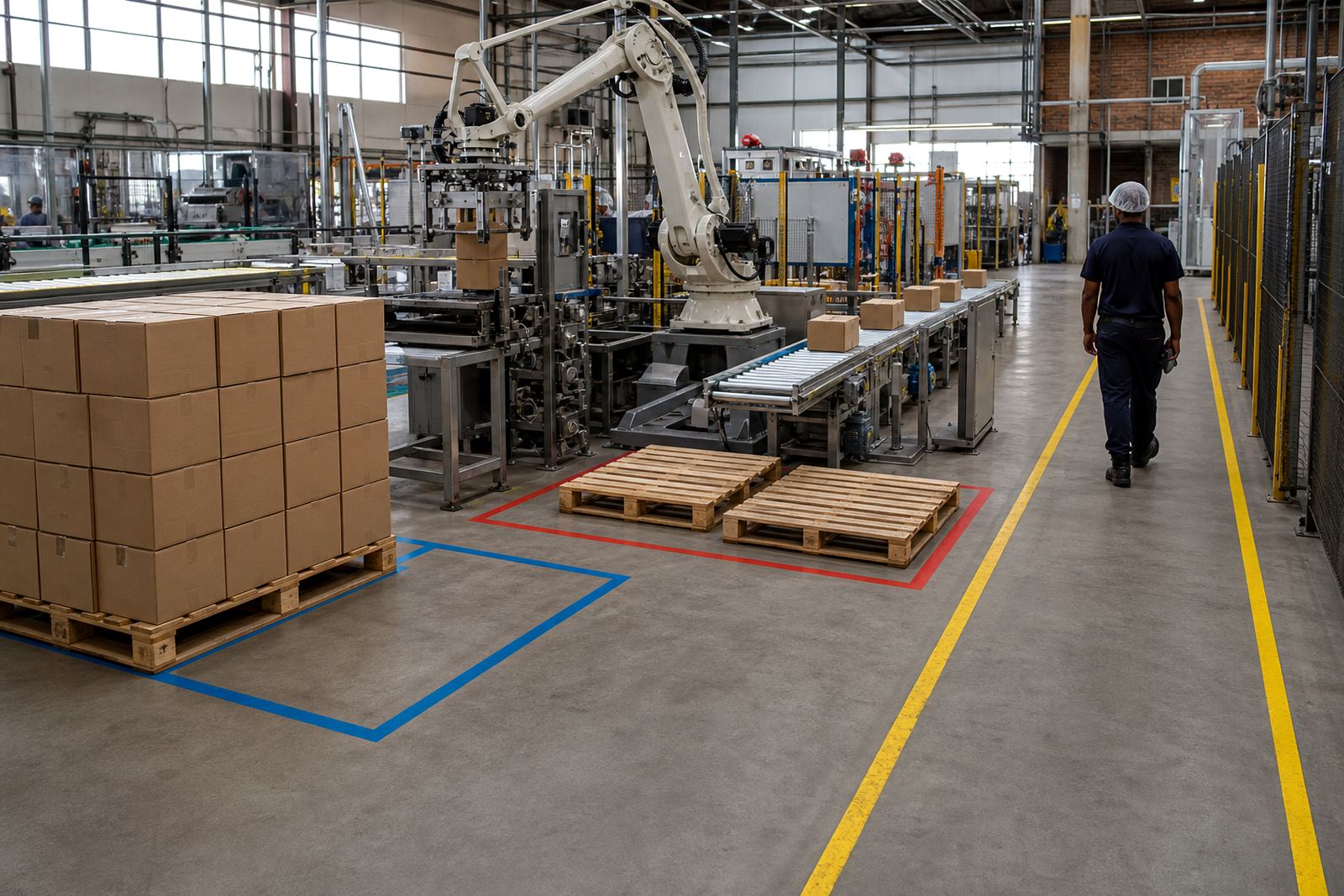
Check where operators stand, where pallets move, and where forklifts or pallet jacks pass through. In busy plants, a transfer point that looks fine on paper can block access for maintenance or create a safety risk during shift change. The aim is to map the real line conditions before any design work starts.
- Confirm conveyor centre lines and height to the actual datum point.
- Measure product gap at normal running speed and at start up.
- Note any slope, twist, vibration or worn rollers.
- Record access for cleaning, maintenance and emergency stops.
Match Conveyor Speed to Robot Cycle Time
A robot can only keep up if the conveyor feed is stable and predictable. For packing and palletising retrofits, the key is not the fastest possible line speed, but the right speed for the product flow and the robot cycle time. If product arrives in uneven bunches, the robot may miss picks, overreach or wait idle while cases build up behind it.
Speed checks should cover the normal operating range, acceleration and deceleration, and how the line behaves after a power interruption.A line that starts too sharply can tip cases or shift spacing, especially on lighter cartons in humid coastal conditions such as Durban or Gqeberha.
- Test line speed at normal load and at peak output.
- Check if speed changes affect case spacing or product stability.
- Confirm the robot can track or pick within the available cycle window.
- Plan restart logic for power cuts and emergency resets.
Check Transfer Points, Stops and Product Control
Transfer points are where most integration problems show up. The handover from one conveyor to the next must keep the product square, upright and at the correct spacing for the robot or gripper. If cases drift sideways, twist on the belt, or hang up on a transfer plate, the robot cell will inherit the problem and the fault will repeat all day.
Pay close attention to guides, side rails, end stops, accumulation zones and any product orientation change. A carton that arrives skewed by 10 mm may still move along the line, but it can be enough to cause poor gripping or unstable pallet patterns. For heavier packs, check that transfers do not create impact damage or scuffing at the base.
- Verify transfer height is level enough for smooth movement.
- Check that side guides keep product centred without crushing it.
- Confirm stops and sensors are positioned for reliable detection.
- Inspect wear strips, dead plates and corners for snag points.
Plan the Robot Cell Around Existing Conveyors
A good retrofit makes use of what is already in place, but it must not force the robot to work around a poor layout. The conveyor interface should support the pick position, discharge direction, accumulation needs and pallet build pattern. If the line has multiple product sizes, allow for changeover without constant mechanical adjustment.
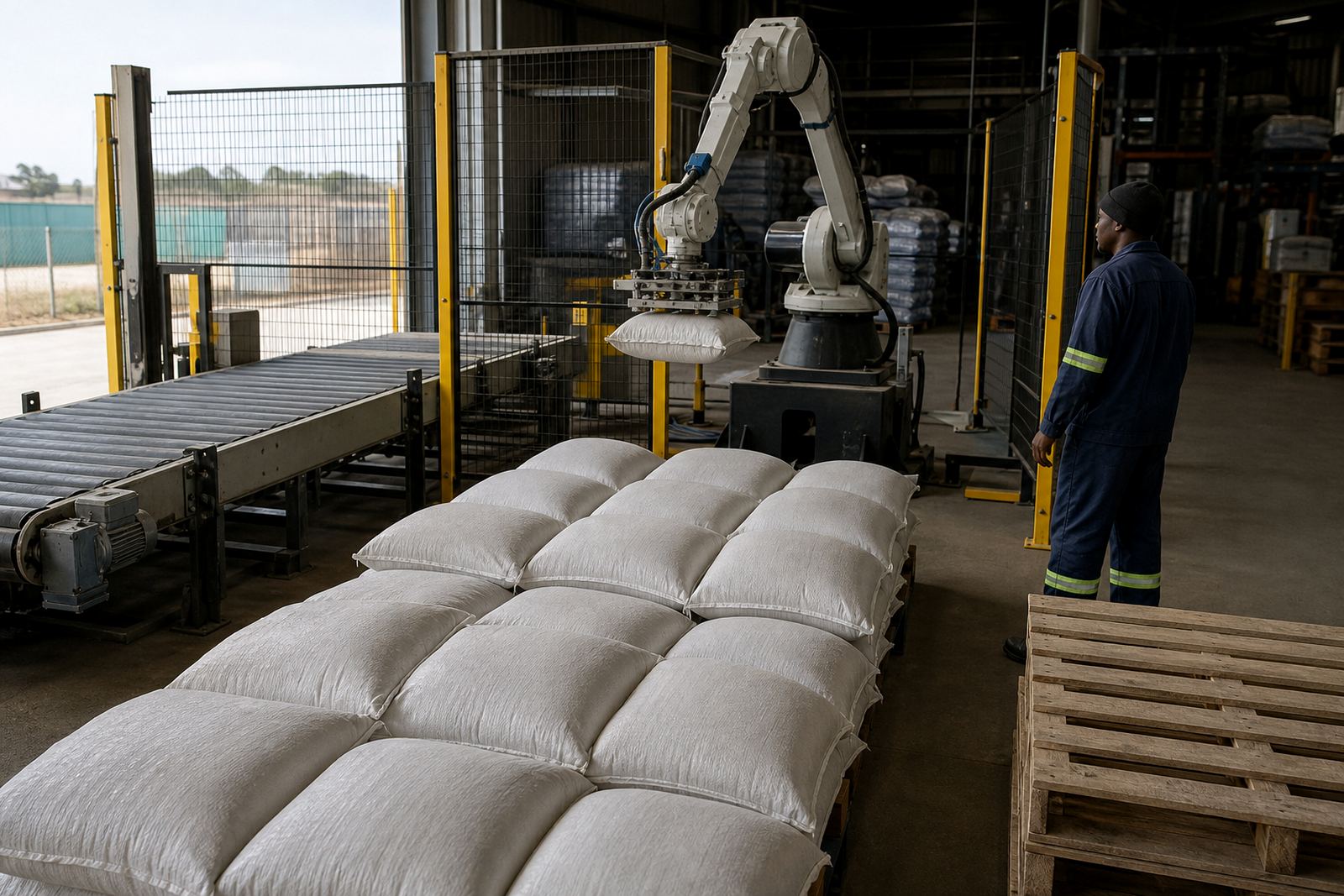
In many South African factories, space is tight and the route around the line has to suit maintenance, cleaning and operator movement as well as production. We normally look at the incoming and outgoing conveyors, buffer zones, pallet staging and any future line growth before finalising the layout. The goal is a practical fit that works on a Monday morning after a stoppage, not just during a site demo.
- Keep clear routes for operators and maintenance staff.
- Allow space for pallet loading, removal and wrap areas.
- Check whether existing conveyors can handle added back pressure.
- Leave room for future product or format changes.
Build Safety and Risk Checks Into the Interface
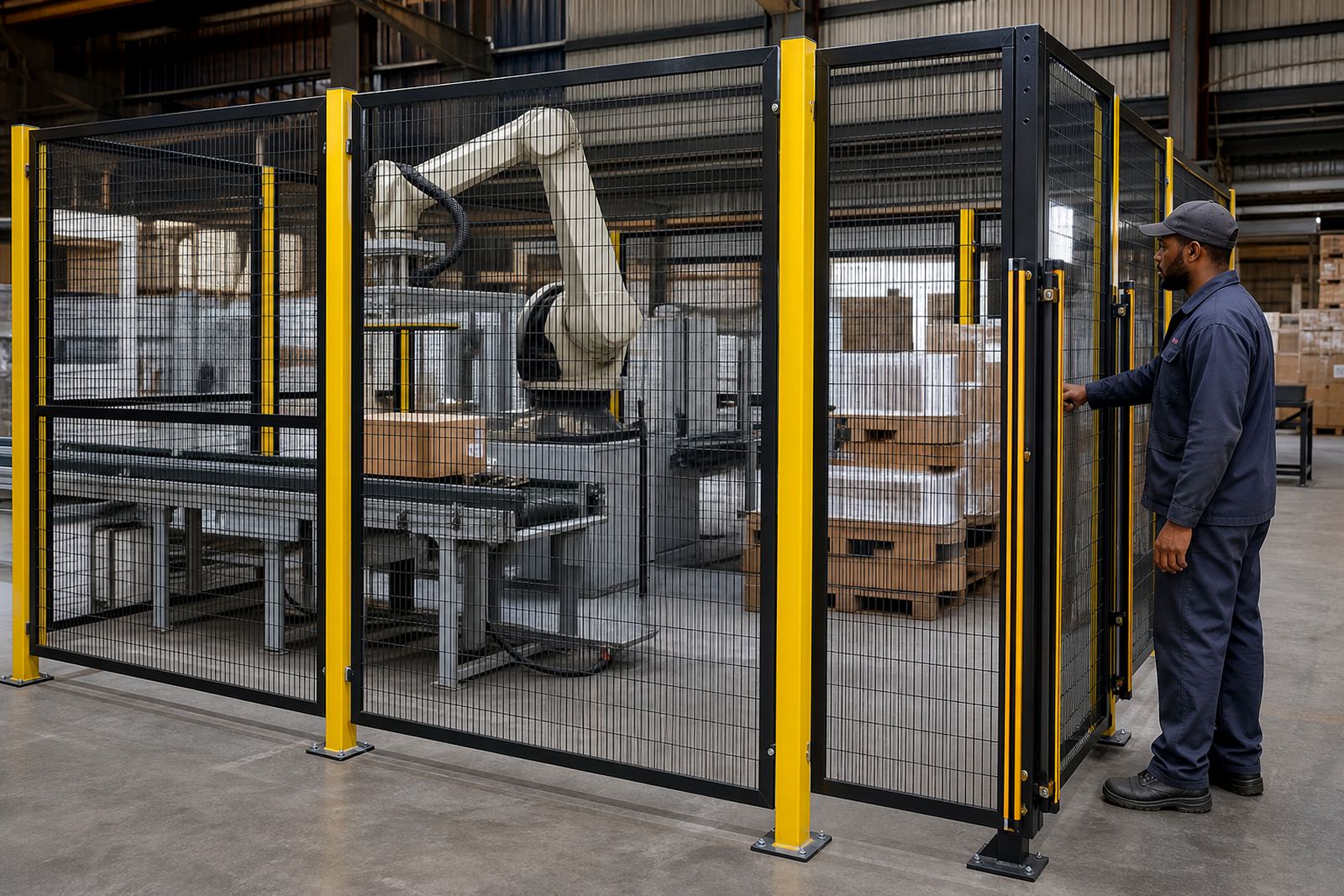
Safety guarding is not an afterthought when a robot meets a conveyor line. The interface must include guarding, safe access points, emergency stops, light curtains or other safeguards where needed, and clear separation between people and moving equipment. Each site needs its own risk assessment because the layout, product, speed and operator tasks are never exactly the same.
Risk assessment support should cover pinch points, trapped fingers, pallet movement, restricted access and the effect of cleaning or clearing jams. In plants around Pretoria, Midvaal and Cape Town, municipal rules, site procedures and insurer requirements may also affect how access and isolation are handled. A proper review helps avoid unsafe shortcuts and keeps the retrofit workable for production teams.
- Identify all access points that need interlocks or gates.
- Check emergency stops from both the conveyor and robot side.
- Review manual intervention points for jams, resets and cleaning.
- Confirm isolation and lockout steps are practical on the floor.
Commissioning Checks Before Full Production
Once the mechanical work and controls integration are complete, the conveyor interface still needs a staged test. Run product through at low speed first, then increase to normal production while checking transfer quality, sensor response, timing and pallet build consistency. Watch for product bounce, skew, missed detections and any sign that the conveyor is forcing the robot into a poor rhythm.
Commissioning support should include operator training, basic fault-finding and clear instructions for restart after a stop. Maintenance staff also need to know what to inspect each shift, especially on high wear points such as belts, guides, sensors and transfer plates. In a retrofit, small faults on the conveyor side often look like robot problems, so a good checklist saves time.
- Verify the line runs empty, then with single product, then at full flow.
- Check that sensors and alarms respond correctly at each stage.
- Train operators on changeover, jam clearing and safe restart.
- Record any recurring faults for maintenance follow up.